Summarize a Podcast Yourself With Whisper, Step by Step
The do-it-yourself route: pull the audio, run Whisper, chunk the transcript, and stitch the summaries. With the commands and the failure modes.
Guide5 min read
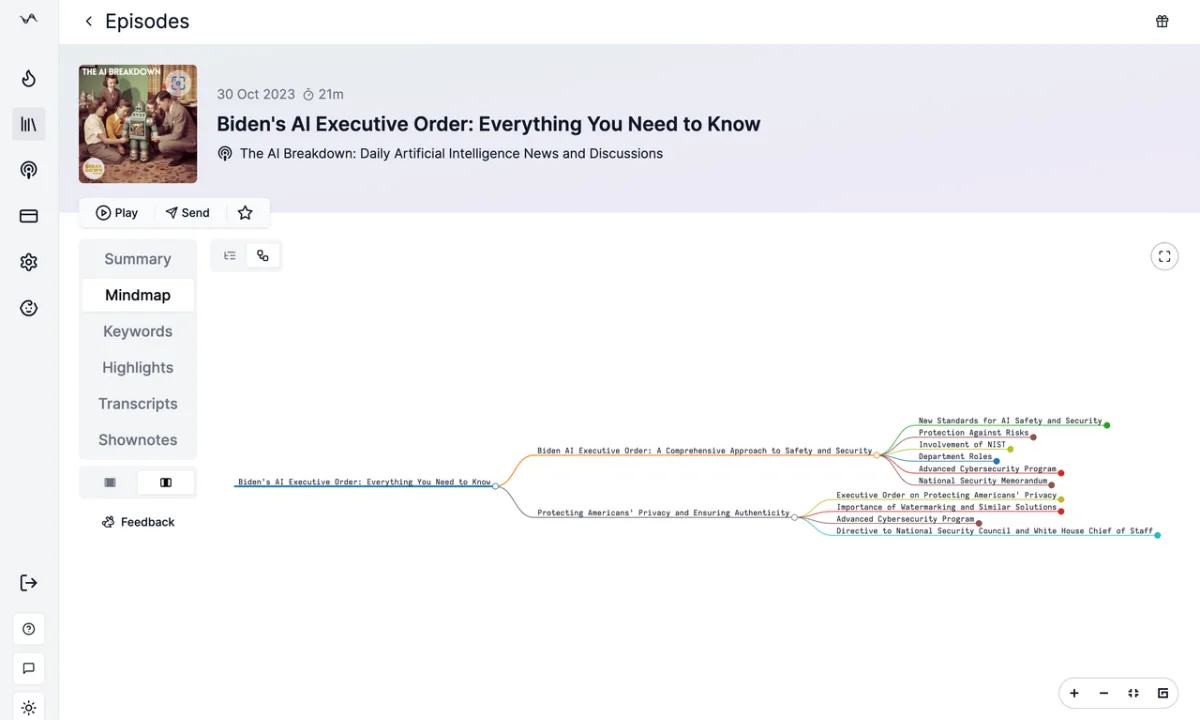
Most podcasts are long, and most of us listen on the move. AI can turn an episode's audio into a short summary of its key points, so you know what is in it before you decide to spend an hour on it.
In short
Get the audio, transcribe it with Whisper, split the transcript into pieces a model can read, summarize each piece, then stitch the summaries together. Or let Podwise do all of it.
The manual way, in six steps
1. Find the podcast's RSS feed
Almost every podcast publishes an RSS feed, usually linked from the show's page. If the show is on Apple Podcasts, the iTunes Search API returns the feed address when you search by name:
curl "https://itunes.apple.com/search?media=podcast&term=lex+fridman"Look for feedUrl in the response.
2. Read the feed and pick an episode
Fetch the feed, find the episode you want and copy its audio link from the enclosure tag. In Go, the gofeed library does the parsing:
feed, _ := gofeed.NewParser().ParseURL(feedURL)
for _, item := range feed.Items {
    fmt.Println(item.Title, item.Enclosures[0].URL)
}
3. Download the audio and transcribe it
OpenAI's open-source Whisper turns the audio into text. Give it a short prompt in the episode's style; without one it can drop punctuation or mangle names it hasn't seen. The transcript is the foundation, so its quality decides the quality of the summary.
whisper episode.mp3 --model medium --initial_prompt "Welcome to the show."4. Split the transcript
A full episode is longer than a model's context window, even GPT-4's 32k one, so the transcript has to be cut into pieces. Cutting by character count breaks sentences in half. Two better ways:
- By time. One piece every few minutes of audio, for example every three.
- By speaker. In a conversation, keep each speaker's turn together.
5. Summarize each piece
Send the pieces to ChatGPT one at a time and ask for a summary of each.
6. Put it together
Combine the piece summaries into chapters and an outline for the whole episode. It works, but it is slow, and the results vary from one episode to the next.
The Podwise way, in three steps
- Search for the episode in Podwise.
- Click Transcribe and wait for it to finish.
- Have a coffee and enjoy the podcast, with the summary, chapters and transcript ready beside it.
Originally published on the Podwise blog.
All posts